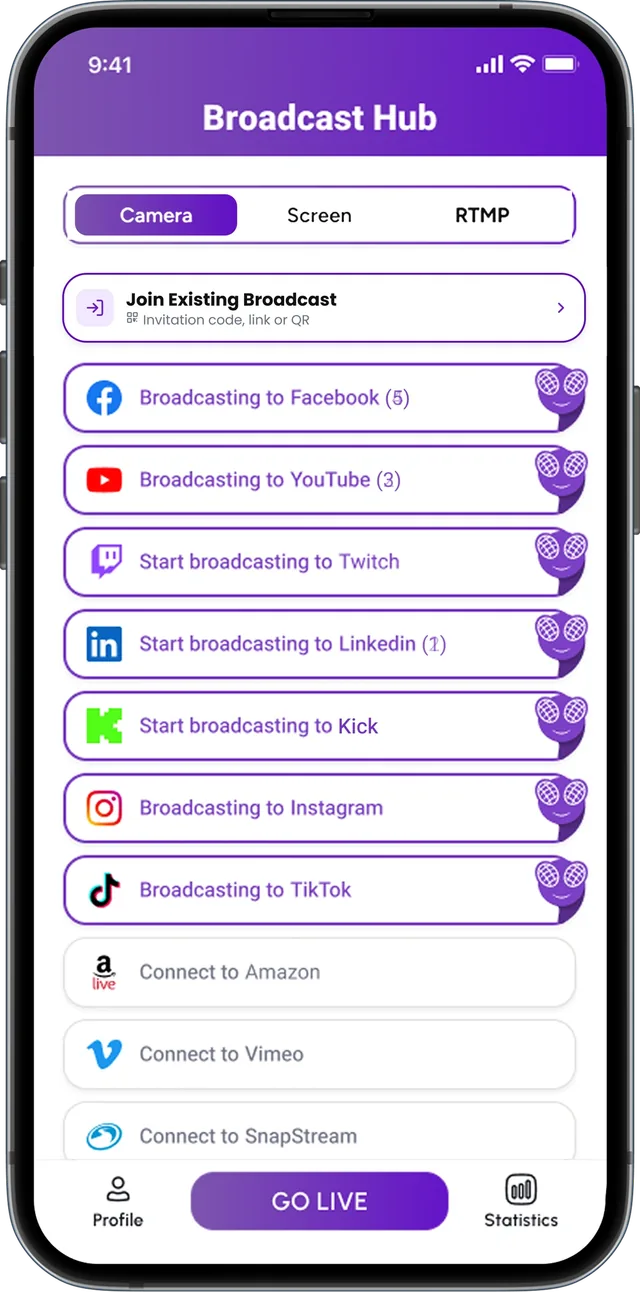
FeelThere Mobile
Share content happening directly on your smartphone as part of your mobile live broadcast.
See FeelThere MobileYour camera isn’t always the whole story. Bring your screen into the broadcast and share presentations, apps, demonstrations, gameplay, walkthroughs and other on-screen content with your audience.

Screen sharing turns what is happening on your device into part of the broadcast. Walk through a product, teach from a presentation, demonstrate software, share gameplay or bring visual information directly into the live experience.
Share content happening directly on your smartphone as part of your mobile live broadcast.
See FeelThere Mobile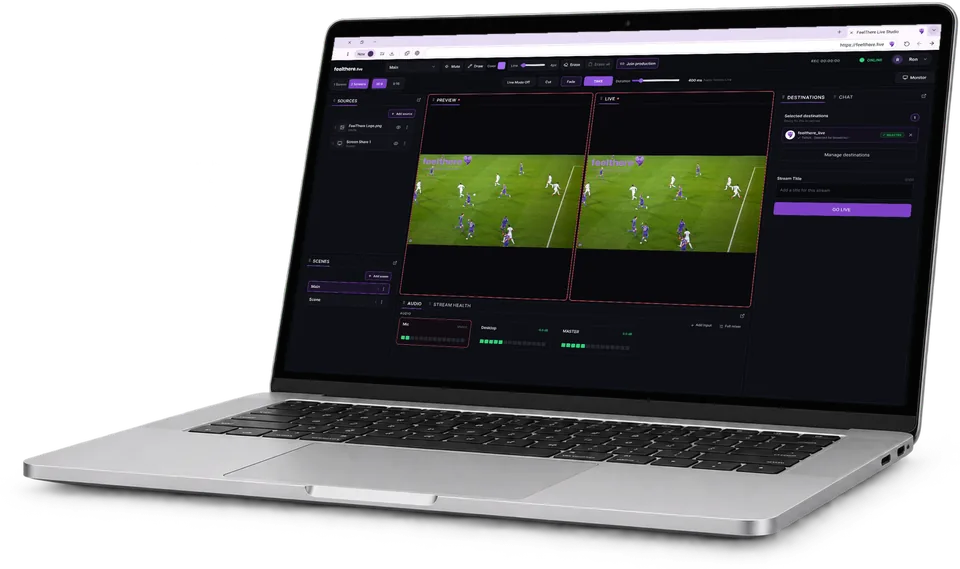
Bring screen content into a browser-based live production where supported by the browser workflow.
See FeelThere Studio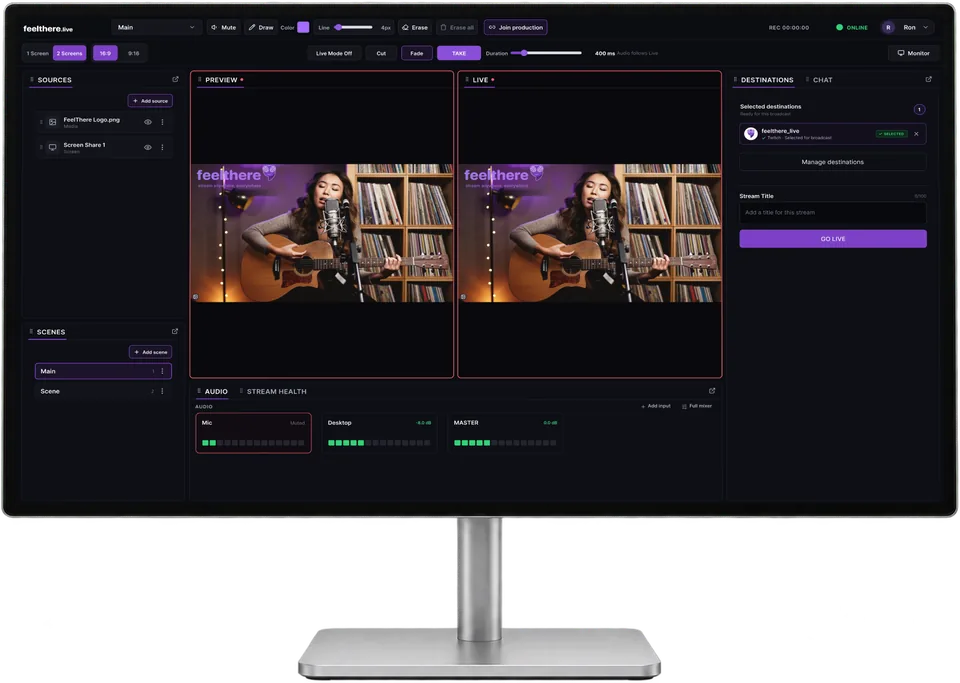
Add screen sources to a desktop production and combine them with cameras, scenes and other visual elements.
See FeelThere DesktopScreen sharing is more powerful when it becomes part of the show rather than replacing it. Combine screen content with other supported sources and build a live composition around what the audience needs to see.
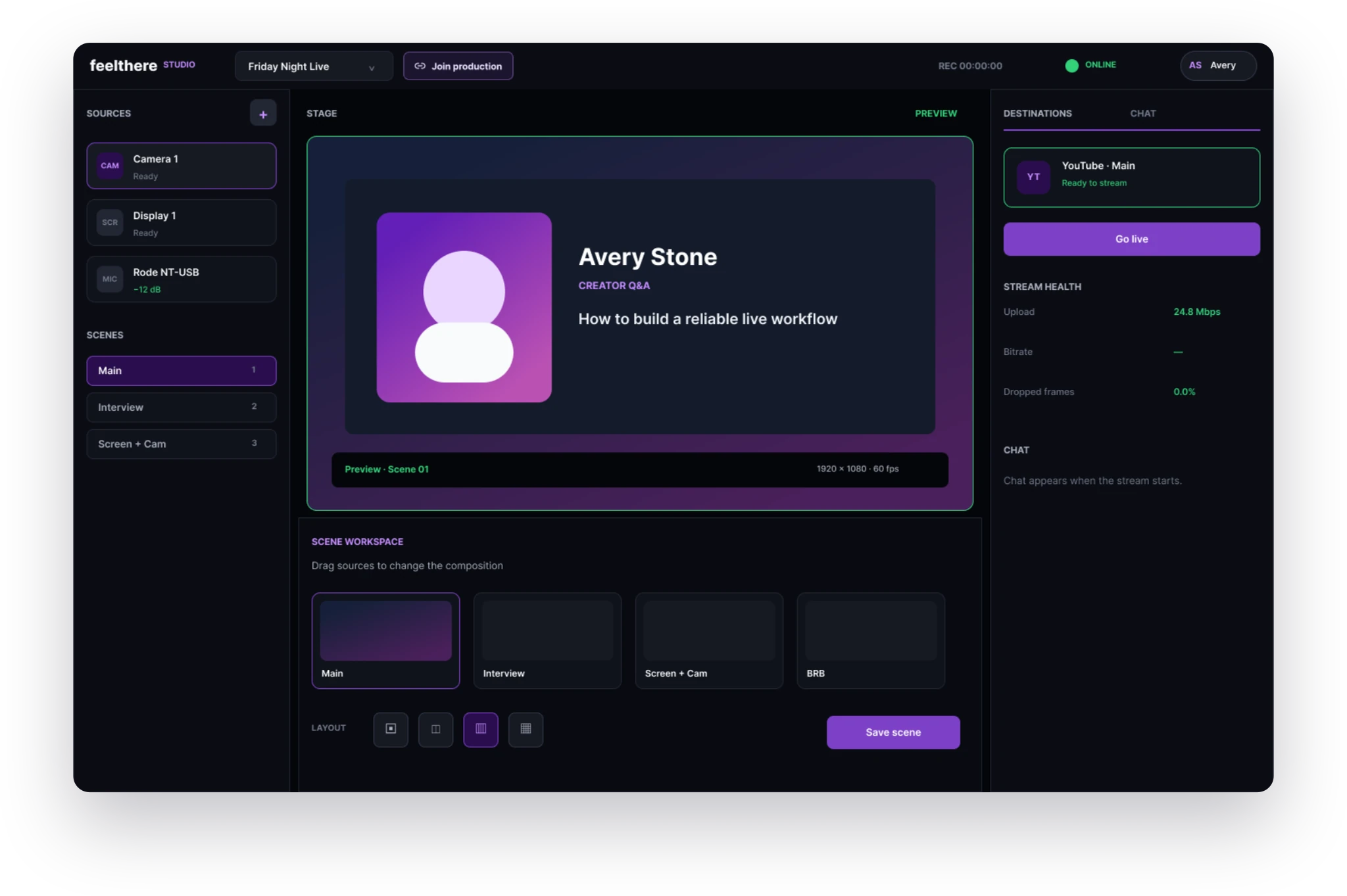
Make demonstrations, presentations, gameplay and digital experiences part of your next live broadcast.
Yes. FeelThere supports screen-based broadcasting in supported product workflows.
Yes. FeelThere Mobile supports broadcasting content from the mobile device screen.
Yes. Screen sharing can be used for presentations, demonstrations, walkthroughs and other visual content that needs to become part of the broadcast.
Where supported by the selected FeelThere product and production layout, screen content can be used alongside other production sources.
Screen-audio availability can depend on the FeelThere product, browser, operating system and source being shared.
Guest screen sharing will be confirmed with the released guest workflow.