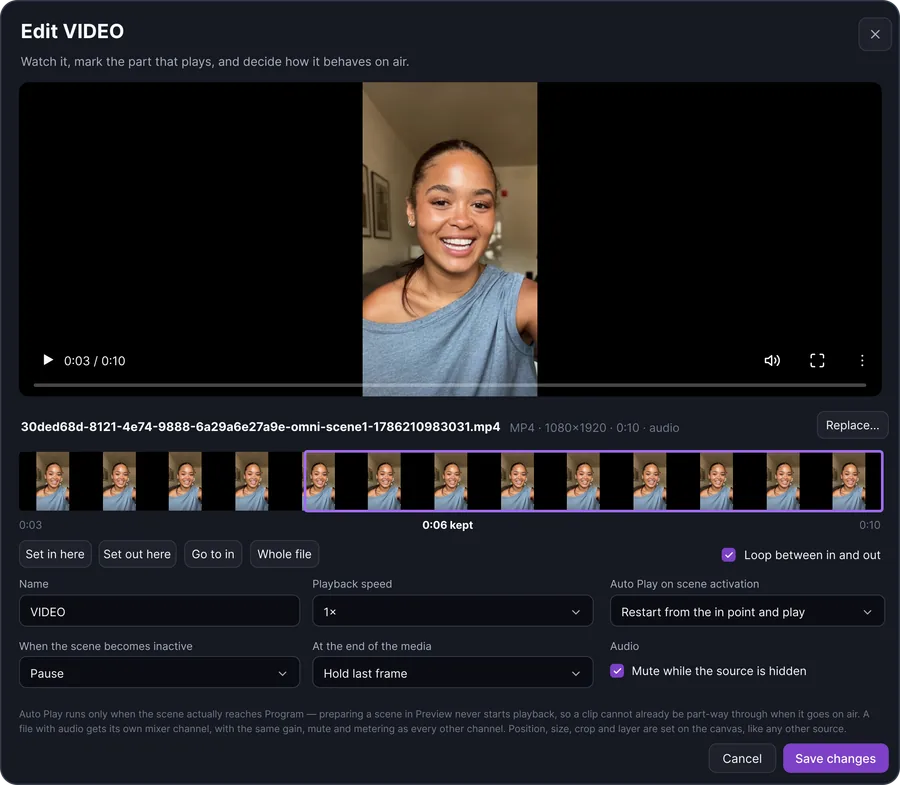
Play video like a broadcaster
Trim in and out, loop, and set what happens when the clip ends, all before it goes on air.
Read moreBring cameras, screen shares, scenes, graphics and audio into one desktop production workspace. Build the show with more control, preview changes before they reach viewers, and connect your finished Program to the FeelThere cloud for multistream distribution.

Combine cameras, multiple screen shares, images and other visual sources inside one production environment. Arrange the canvas around the show you are actually producing instead of forcing every broadcast into the same layout.
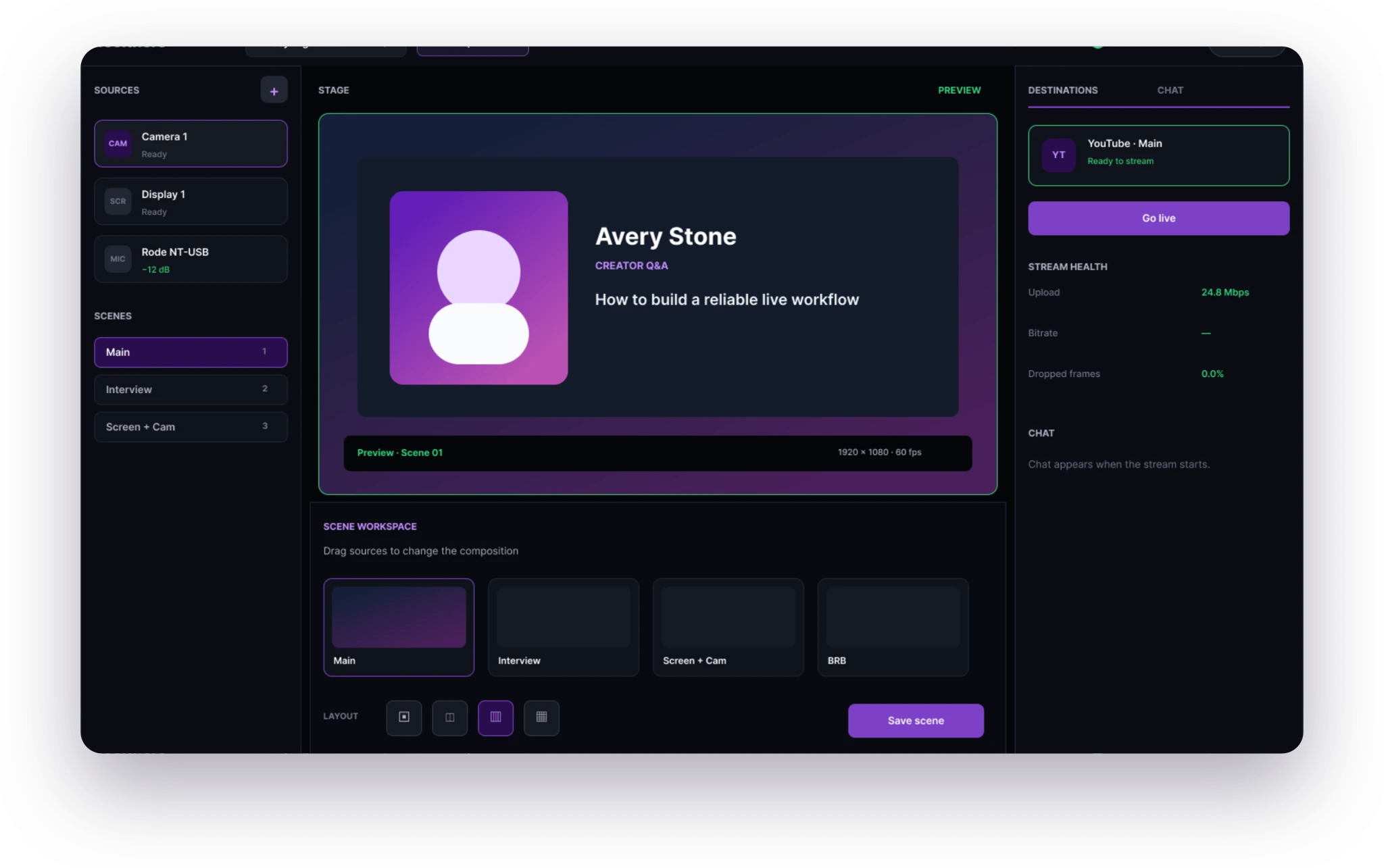
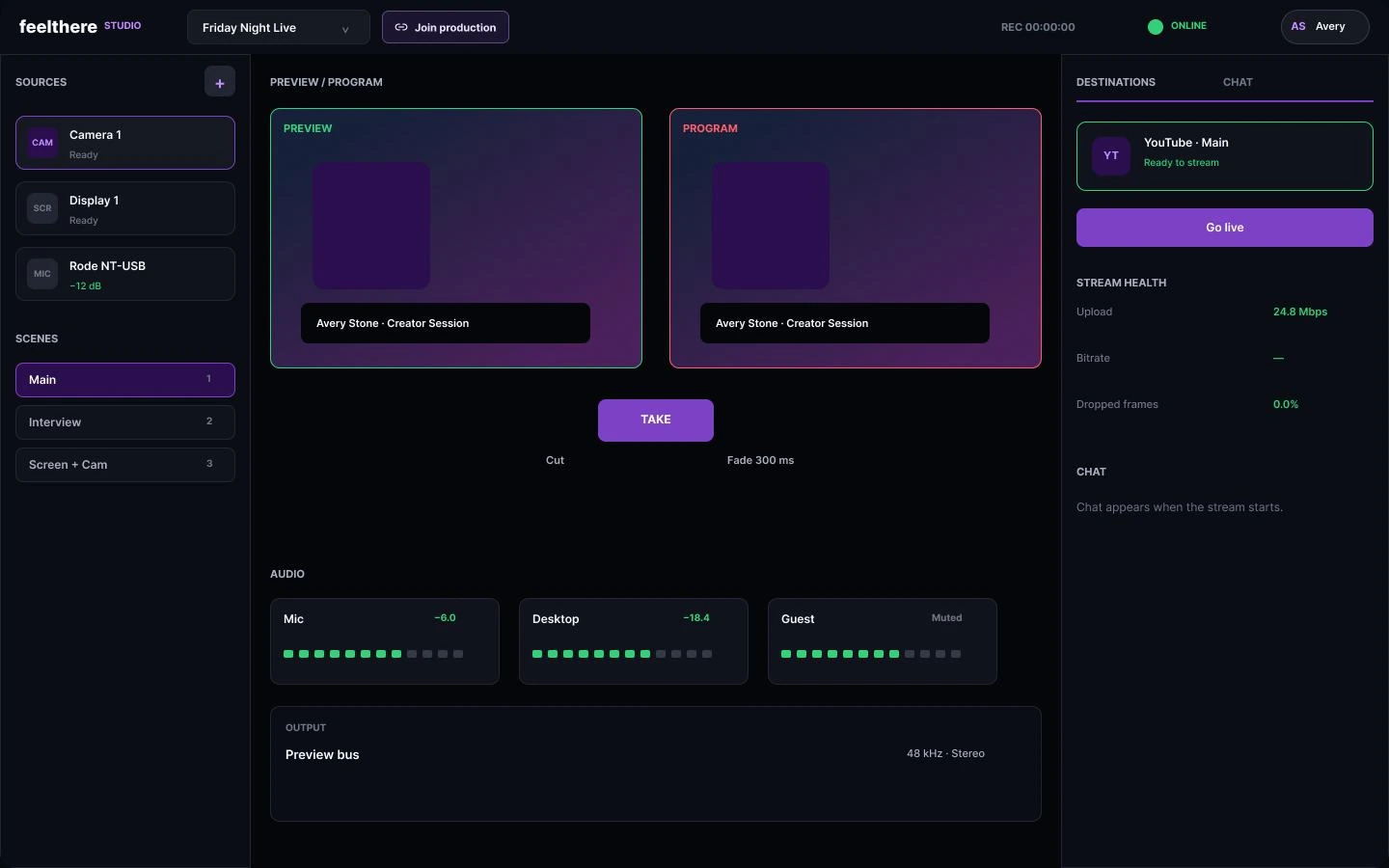
Prepare the next change in Preview while Program continues showing the live output your audience sees. When everything is ready, take the change live with confidence.
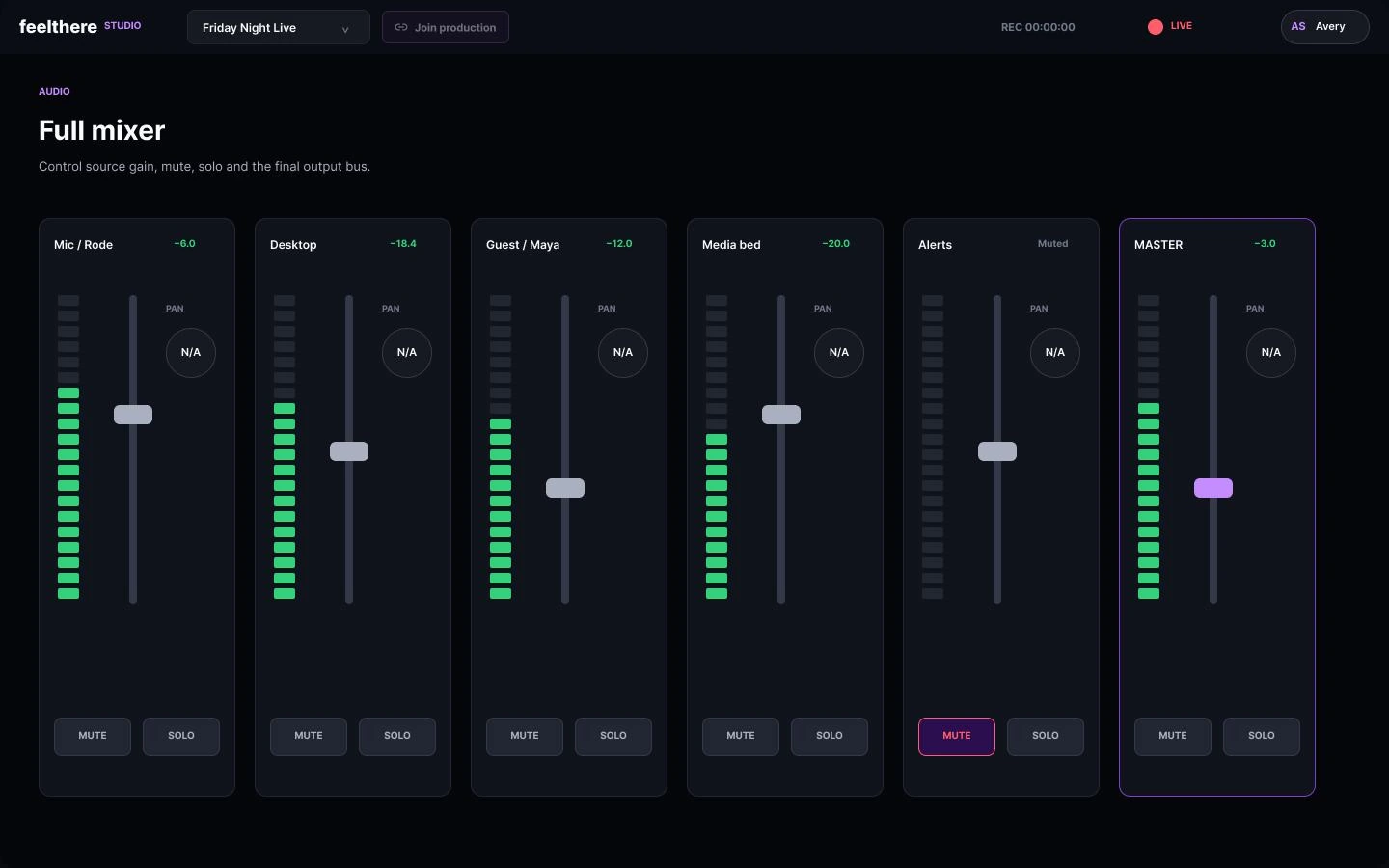
Manage microphones and connected audio sources from the Desktop mixer, with independent control that keeps the production organized as more sources enter the show.
Move between scenes, layouts, graphics and visual elements as the broadcast develops. FeelThere Desktop gives the production room to evolve without forcing you to rebuild the live composition every time something changes.
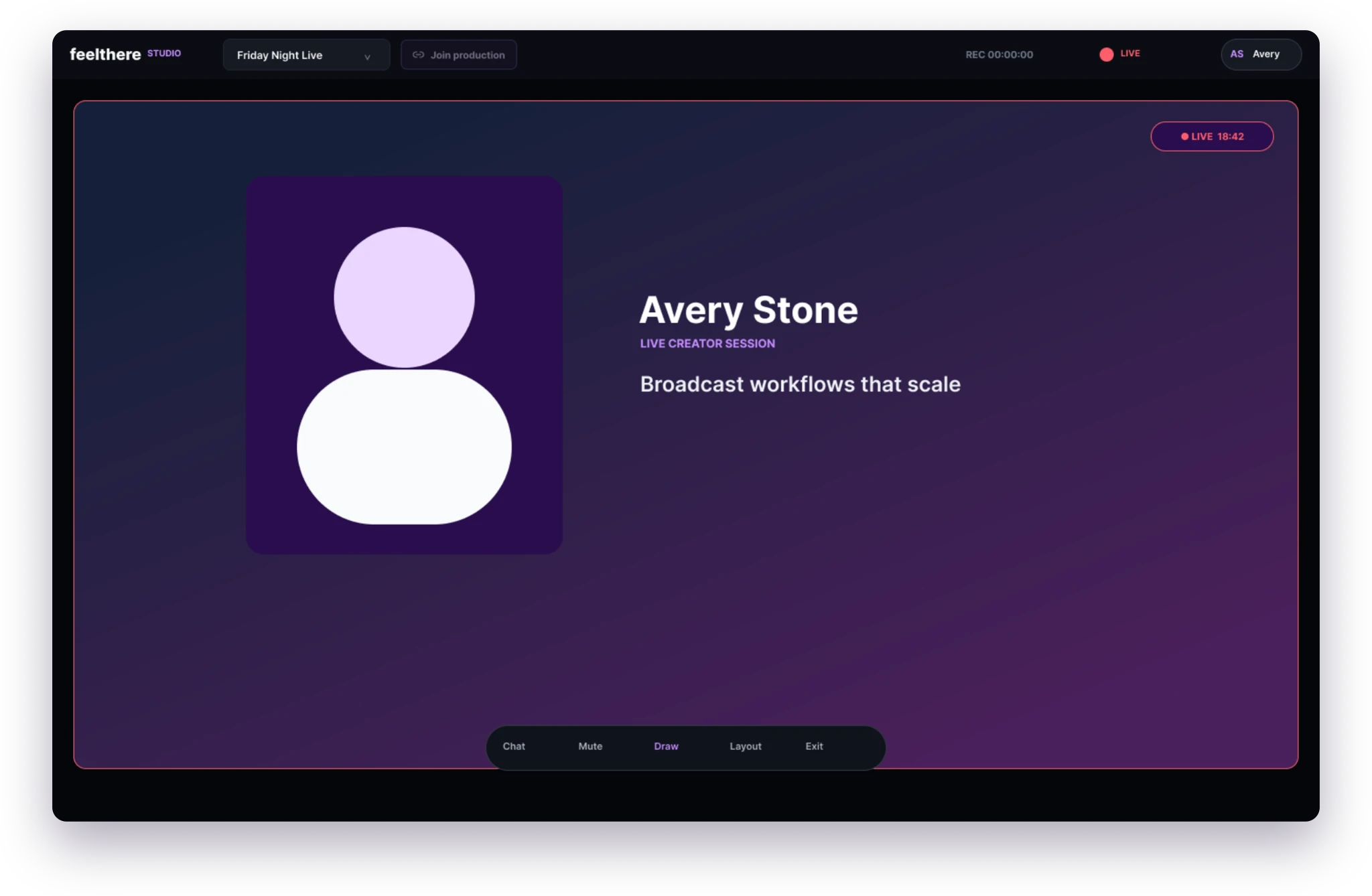
Monitor the actual Program output while you work on the production, so the editing workspace and the live viewer experience stay clearly separated.
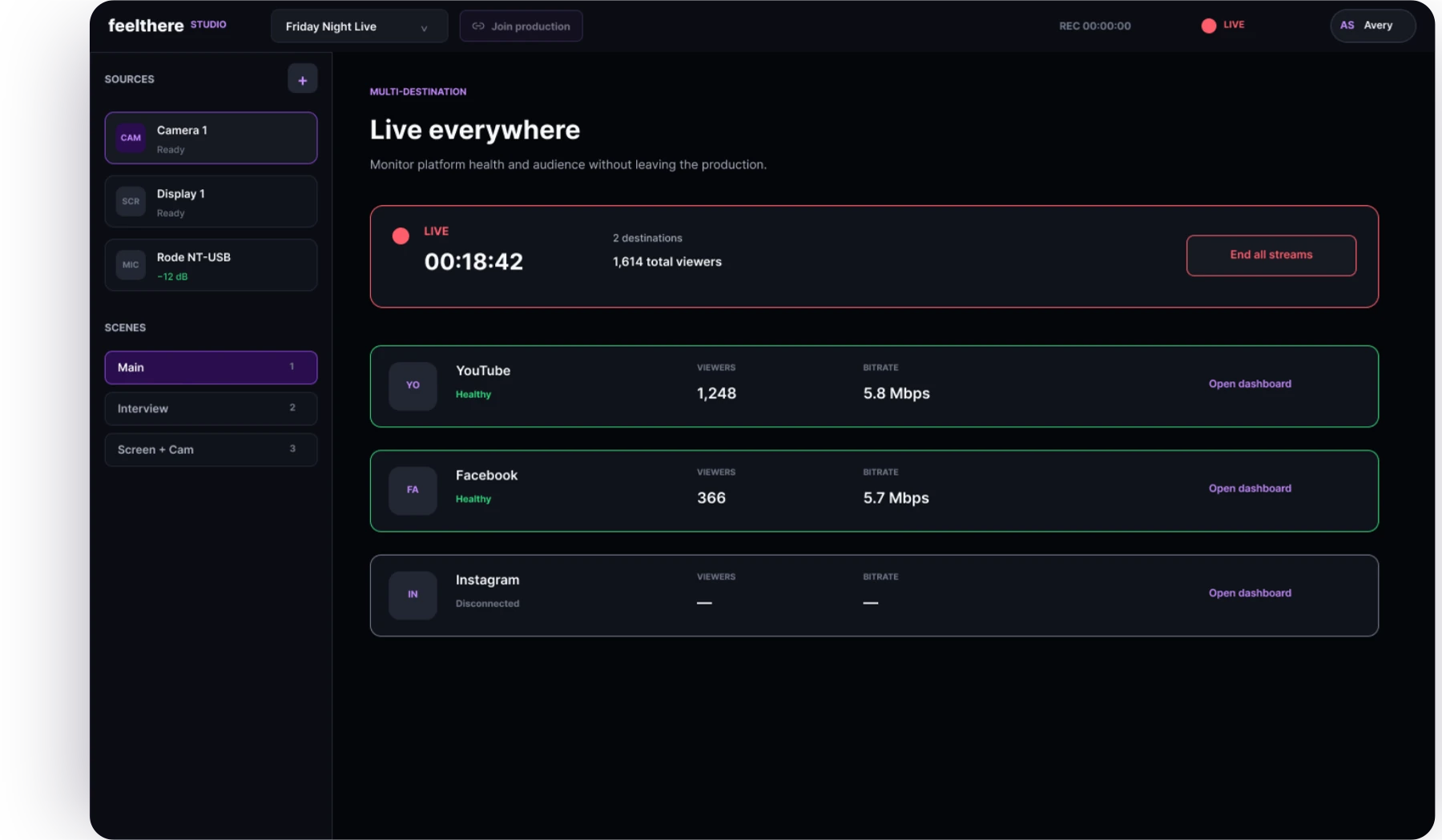
Video playback, the teleprompter and web overlays are part of the production, not separate applications beside it. Each one opens on the source you are configuring and closes back into the show.
Trim in and out, loop, and set what happens when the clip ends, all before it goes on air.
Read more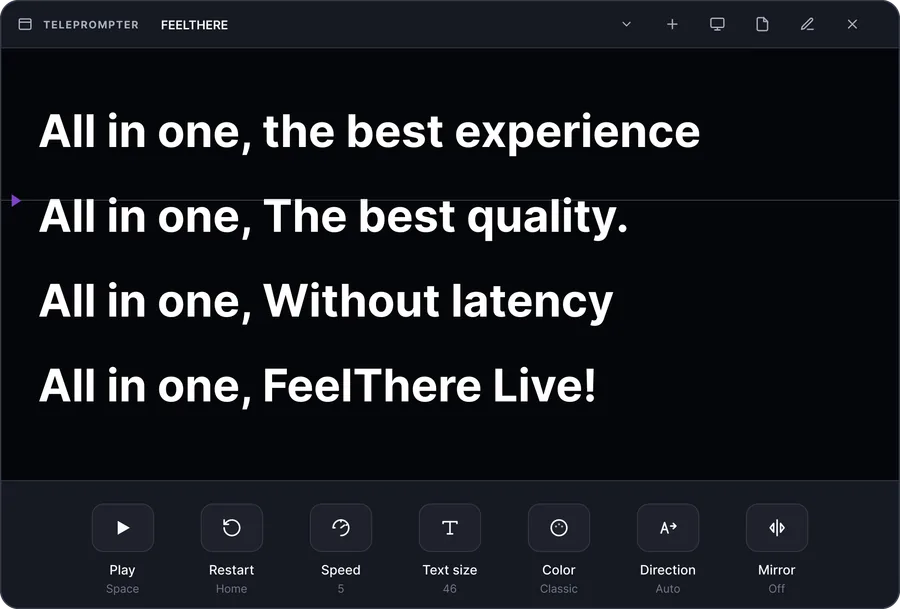
A built-in teleprompter with speed, size, mirror and a second-screen output.
Read more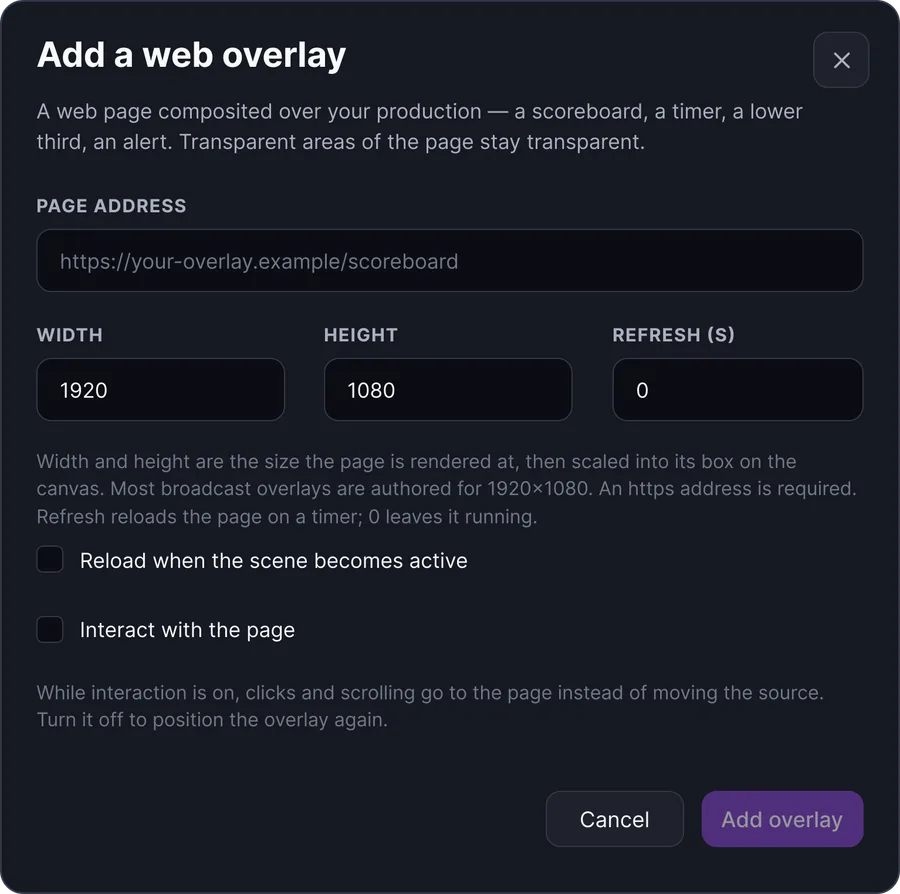
Scoreboards, timers, lower thirds and alerts, composited over your production with transparency included.
Read moreDesktop handles the production. FeelThere Cloud handles the reach. Send the finished Program into the FeelThere ecosystem and distribute the broadcast to multiple supported destinations simultaneously.
Your finished Program is distributed from here
 YouTube
 Facebook
 TikTok
 Instagram
 LinkedIn
 Twitch
 Kick
Kick Amazon Live
 Vimeo
Vimeo SnapStream
 dLive
dLive Custom RTMP
Up to 8 simultaneous destinations
Build a professional live production in a workspace designed to keep powerful tools understandable and the live output under control.
FeelThere Desktop is FeelThere’s desktop live production environment for building and managing more advanced live broadcasts with multiple visual and audio sources.
Preview lets you prepare production changes before they are sent live. Program represents the output that viewers actually see.
Yes. Desktop is designed to work with multiple production sources such as cameras, screen shares, images and other supported media.
Yes. Desktop includes a production mixer for managing supported audio sources within the broadcast workflow.
FeelThere Desktop connects the finished production to the FeelThere cloud for distribution to multiple supported destinations.
No. Desktop is the more advanced desktop production environment, while FeelThere Studio is designed around a lighter browser-based workflow.